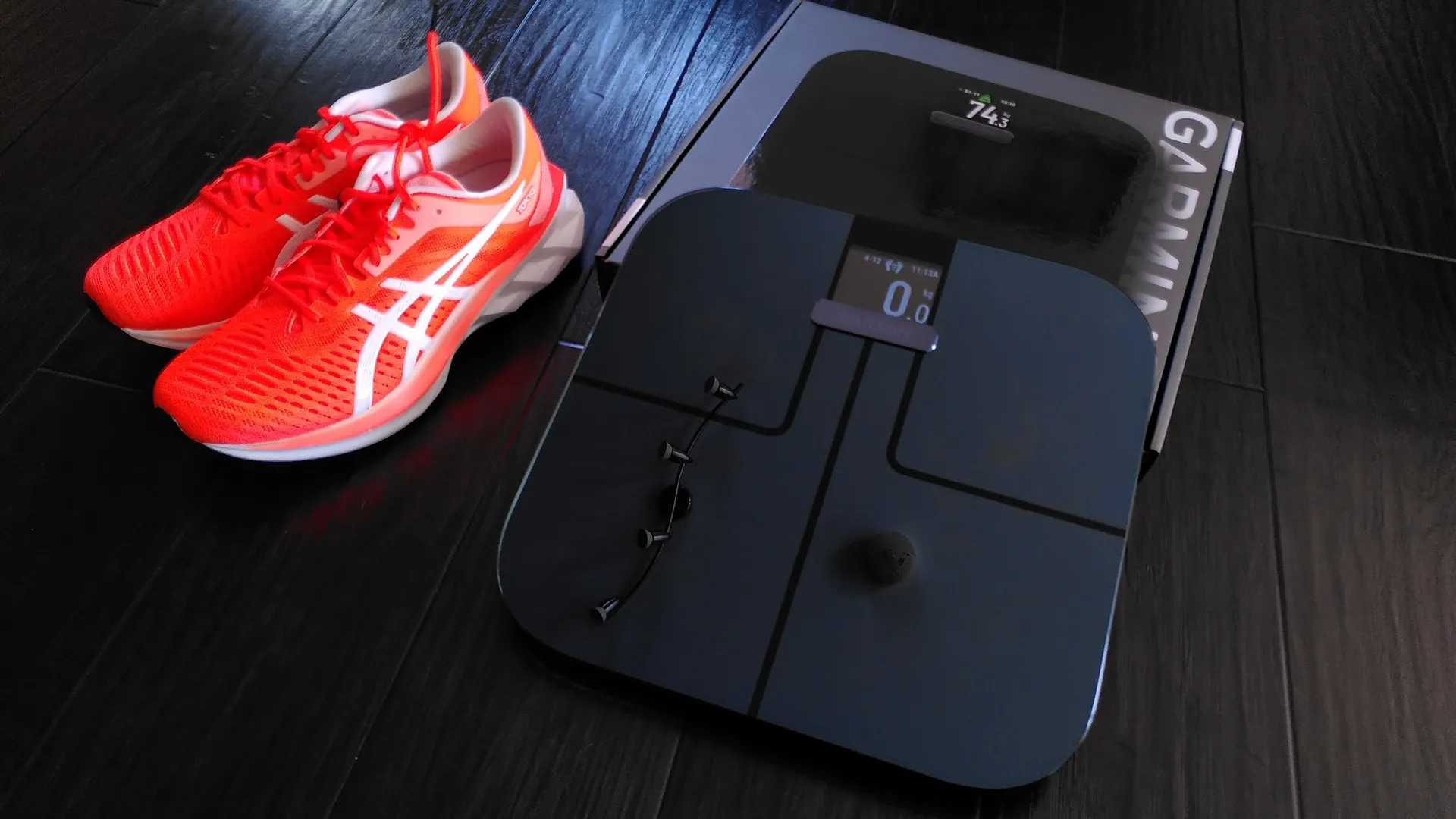
The Garmin Index S2 is the current flagship smart scale from the fitness technology giant. Released as the successor to the original Index Smart Scale, it serves as a critical bridge for athletes and health enthusiasts who are already deeply embedded in the Garmin ecosystem.
While most scales simply tell you a number, the Index S2 is designed to provide a holistic view of your health by integrating with your Garmin Connect account, allowing your weight data to sit right alongside your running pace, sleep cycles, and heart rate variability.
Technical Specifications at a Glance
Before diving into the features, here is a breakdown of the physical and technical build of the device:
| Feature | Specification |
| Dimensions | 12.6” x 12.2” x 1.1” (320 x 310 x 28 mm) |
| Weight | 4.4 lbs (2.0 kg) |
| Connectivity | Wi-Fi (2.4GHz), Bluetooth (BLE), ANT+ |
| Display | High-resolution colour TFT LCD |
| Battery Life | Up to 9 months (4 AAA batteries included) |
| Weight Limit | 400 lbs (181.4 kg) |
| User Profiles | Up to 16 individual users |
Core Metrics: What It Actually Measures
The Index S2 uses Bioelectrical Impedance Analysis (BIA). When you step on the scale with bare feet, a small, imperceptible electrical current is sent through your body. By measuring how that current moves through different tissues (fat, muscle, water), it estimates your body composition.
Key Performance Metrics
-
Weight: Displays in pounds, kilograms, or stones.
-
Weight Trend: A unique on-screen widget that shows a graph of your weight over the last 30 days.
-
Body Mass Index (BMI): Calculates the ratio of your height to your weight.
-
Body Fat Percentage: Estimates the percentage of total mass attributed to fat.
-
Skeletal Muscle Mass: Shows how much muscle you have, which is vital for athletes tracking gains.
-
Bone Mass: Estimates the weight of your bone structure.
-
Body Water Percentage: Useful for tracking hydration levels, especially after intense workouts.
Integration with the Garmin Ecosystem
The true value of the Index S2 isn’t just in the hardware; it’s in the Garmin Connect app.
Seamless Data Syncing
Unlike Bluetooth scales that require you to have your phone nearby and the app open, the Index S2 uses Wi-Fi. This means you can step on the scale, and by the time you’ve walked into the kitchen for coffee, your data has already been uploaded to the cloud and integrated into your daily health report.
Impact on “Fitness Age” and Training
Garmin uses your weight and body fat percentage to calculate your Fitness Age. By having an accurate, daily weight measurement, your watch can provide more precise data on:
-
VO2 Max: Weight is a denominator in this calculation.
-
Calories Burned: More accurate weight data leads to better metabolic tracking.
-
Training Status: Seeing weight drops alongside high-intensity training can alert you to potential overtraining or dehydration.
Design and User Experience
The Index S2 is a sleek, premium-looking device featuring a tempered glass top and a high-resolution colour screen.
Multi-User Support
The scale is designed for households or small teams. It can recognise up to 16 different users automatically. When you step on, it identifies you based on your weight and displays your initials or a custom name. If two users are close in weight, you can simply tap the scale to toggle between profiles.
The Weather Widget
A quirky but surprisingly popular feature is the weather display. After showing your metrics, the scale provides a local forecast for the day. For runners and cyclists, this is a handy nudge to grab a jacket or sunscreen before heading out for a morning workout.
Setup and Accuracy Tips
To get the most out of a $150 smart scale, proper setup is essential.
How to Improve Accuracy
-
Consistency is King: Weigh yourself at the same time every day, ideally in the morning before eating or drinking.
-
Surface Selection: Always use the scale on a hard, flat surface. If you must use it on carpet, utilise the included carpet feet (risers) to prevent weight dampening.
-
Correct Profile Data: Ensure your height, age, and “Activity Class” are correctly set in Garmin Connect.
-
Pro Tip: If you are a high-level athlete with a high muscle-to-fat ratio, ensure you are in “Athlete Mode” to avoid the scale miscalculating muscle as fat.
-
-
Calibration: If you move the scale, “zero” it out by tapping it and letting it turn off before stepping on for a measurement.
Comparison: Index S1 vs. Index S2
If you are still using the original Index scale, here is what changed with the S2:
-
Display: Upgraded from a monochromatic LCD to a high-res colour screen.
-
Size: The S2 is slightly smaller and 30% lighter.
-
Sensors: Improved sensitivity and updated algorithms for body composition.
-
Trends: The 30-day trend graph on the screen is exclusive to the S2.
The Verdict: Is It Worth It?
The Garmin Index S2 is a “convenience purchase.” You are paying for the luxury of never having to manually enter your weight again and having that data perfectly synced with your Garmin watch.
Buy it if:
-
You already own a Garmin Fenix, Forerunner, or Venu watch.
-
You want automated, “hands-off” tracking.
-
You value long-term trend data over a single day’s snapshot.
Skip it if:
-
You just want a basic scale (cheaper options exist for $30-$50).
-
You don’t use the Garmin Connect app.
Would you like me to find a setup guide or a video comparison of the Index S2 against other smart scales like the Withings Body Smart?